


.svg)



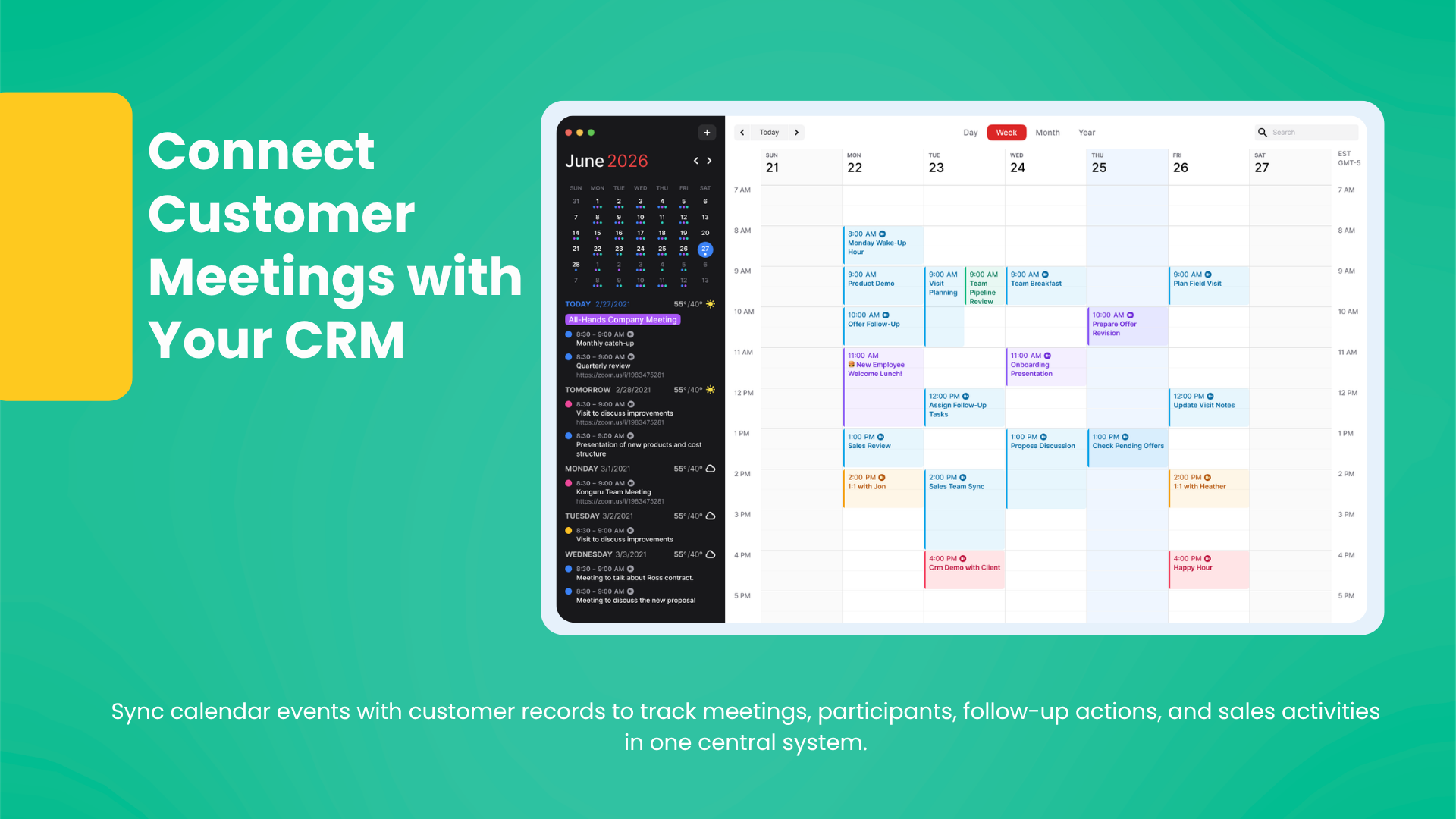
CRM and calendar integration connects sales meetings with customer records, making follow-up actions, participants, and meeting history easier to track.
WHY SHOULD SALES MEETINGS BE CONNECTED TO CRM?
Meetings are often the moments that shape the direction of a sales opportunity. Introductory calls, needs analysis, offer discussions, technical evaluations, and decision meetings can all change the customer relationship.
If meetings remain only in a calendar application, the customer history inside CRM stays incomplete. A representative may attend a meeting, take notes, and define actions, but if those details are not linked to the customer record, visibility disappears later.
CRM and calendar integration turns meetings from simple time blocks into part of the sales process.
WHICH PROBLEMS DOES CALENDAR INTEGRATION SOLVE?
The biggest benefit is making customer meetings visible in the central system. Sales teams attend many meetings, and follow-up weakens if the customer, meeting purpose, participants, and next actions are not clear.
With integration, meeting data can be connected to the CRM process.
CONNECTING MEETING DATA TO CUSTOMER HISTORY
Seeing planned and completed meetings on the customer card is a strong advantage. Before a new meeting, the representative can review previous participants, goals, decisions, and outcomes.
This improves preparation and meeting quality.
TRACKING POST-MEETING ACTIONS
The value of a meeting appears in the actions that follow. Offer revisions, technical document sharing, manager approval, a new visit plan, or a product presentation should quickly become tasks.
CRM and calendar integration creates a more disciplined structure so follow-ups are not forgotten.
INCREASING TEAM VISIBILITY
More than one person may meet the same customer. Technical teams, sales managers, or operations teams may also join. When calendar information is connected to CRM, everyone reaches shared information through the same customer record.
This reduces communication gaps.
HOW SHOULD CRM AND CALENDAR INTEGRATION BE USED?
Integration should not remain a passive transfer of calendar events. Each meeting should be linked to a customer, contact, opportunity, or offer record. The purpose should be clear, the result should be summarized, and a follow-up action should be created.
This makes calendar data useful for sales management.
COMBINE MEETING AND CUSTOMER TRACKING WITH KONGURU CRM
Konguru CRM helps manage customers, contacts, visits, offers, tasks, and calendar processes in connection with sales operations. With calendar integration, meetings can be tracked more regularly and post-meeting actions can become tasks without being lost.
Request a Konguru CRM demo to manage sales meetings together with customer records and stronger follow-up actions.
Tag: